


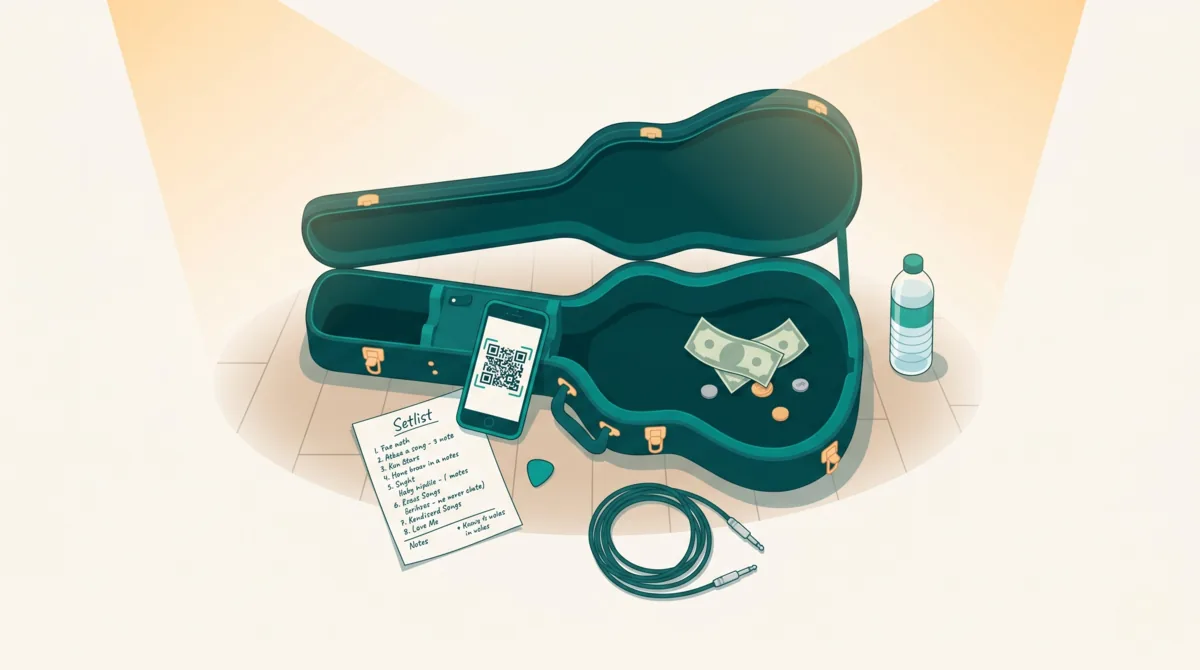
If you're a musician, busker, or live performer, you've probably noticed: fewer people carry cash. That tip jar sitting on your amp is collecting dust while audiences tap their phones all night. The good news? Setting up an online tip jar takes about five minutes, costs nothing, and lets fans support you the way they already pay for everything else — digitally. Here's exactly how to do it.
TL;DR — What is an online tip jar?
An online tip jar is a personal web page with a QR code that lets fans send cashless tips to musicians and performers. To set one up: create a free account on a platform like Tiplor, add your artist profile, connect a payout method, and print your QR code. Fans scan it with their phone camera, choose a tip amount, and pay instantly — no app required. The whole setup takes under 5 minutes.
The Cash Problem (And Why It's Getting Worse)
A decade ago, a busker could count on a decent haul from a sidewalk hat. Today, cashless payments account for the vast majority of transactions in most developed countries, and that number climbs every year. For performers, this creates a real gap: audiences genuinely want to tip, but they literally don't have the means to do it.
This isn't just a street performer problem either. Pub musicians, open-mic artists, wedding bands, DJs — anyone who relies on tips as part of their income feels it. The audience is willing. The friction is the format.
"I'd play a two-hour set and get maybe a few coins in the jar. Once I switched to a QR code, I started averaging three to four times that — from the same crowd."
A virtual tip jar removes that friction entirely. Someone in the crowd pulls out their phone, scans a code, and tips you in seconds. No app download, no fumbling for change, no awkwardness.
Jaxon Strings Music
Live Violin & Loops 🎻
Love It Live
amped by Tiplor
What Exactly Is an Online Tip Jar?
An online tip jar is a personal web page where anyone can send you a cashless tip. Think of it as a companion to your physical jar — the physical one catches the cash carriers, the digital one catches the rest. The money goes straight to your account, and it works from anywhere, at any distance.
Most online tip jars work through a simple flow: you create a profile, get a unique link or QR code, and share it with your audience. Fans visit the page, choose an amount, pay with their card or digital wallet, and you receive the funds. No app required on the tipper's side.
There are a few platforms that offer this, each with a slightly different angle. Some are built for content creators and streamers, others for physical, in-person performers. The key differences come down to fees, payout speed, and whether the platform is designed for live gigs or online audiences.
Set Up Your Tip Jar in 5 Minutes
Here's the step-by-step using Tiplor, which is specifically built for live musicians and performers (not streamers or online creators):
- Create your free account — Head to tiplor.com and sign up with your email. No credit card needed. You'll pick a username that becomes your personal tip page URL.
- Set up your profile — Add your artist name, a photo, a short bio, and optionally link your social accounts. This is what fans see when they scan your QR code, so make it feel like you.
- Connect your payout method — Link the bank account or payment method where you want tips deposited. Tiplor handles the processing so you don't need to set up a separate merchant account.
- Grab your QR code — Tiplor generates a unique QR code for your profile. Download it, print it, stick it on your guitar case, tape it to your mic stand, or display it on a small sign next to you while you play.
- Go live — That's it. You're ready to accept cashless tips at your next gig. Fans scan, choose an amount, and pay — no app download required on their end.
Time check
Steps 1-4 typically take under 5 minutes total. Most performers have their QR code ready to print within their first session.
Using Your Online Tip Jar at a Gig
Having the tip jar is one thing. Getting people to actually use it is another. The performers who earn the most from digital tips do a few things consistently:
Make the QR code visible. This sounds obvious, but placement matters. The code needs to be at eye level when someone is standing or sitting in front of you. A small printed sign on your amp, a sticker on your guitar case facing outward, or a table tent next to the stage all work well. If it's tucked behind your gear where nobody can see it, nobody will scan it.
Mention it once. A quick, natural callout between songs goes a long way. Something like "If you're enjoying the music, there's a QR code on the speaker — scan it to leave a tip, no cash needed." One mention per set is plenty. You're not selling anything — you're just letting people know the option exists.
Keep playing. The beautiful thing about a digital tip jar is that it works while you're performing. You don't need to walk around with a hat. People can tip from their seat, from the bar, even after they've left if they have your link. The music does the selling.
Venue performers
If you play regular venues, ask the manager if they'll let you put a small QR code tent card on each table. Some venues on Tiplor's venue network already integrate digital tipping into their setup.
5 Tips to Earn More from Your Virtual Tip Jar
- Add a suggested amount — When you set up your tip page, include suggested tip amounts (like $3, $5, $10). People spend less time deciding and tip more when there's a gentle nudge. Removing the mental math makes a real difference.
- Share your link after the gig too — Post your tip link on your Instagram story, your Facebook page, or in your email newsletter after a performance. Fans who didn't tip in the moment often will the next day when they see a reminder.
- Use it at every gig, not just some — Consistency compounds. Regular audiences learn to look for your QR code. New venues get used to seeing it. Over weeks and months, digital tips become a reliable second income stream, not a one-off experiment.
- Thank your tippers — If the platform notifies you of a tip, a quick thanks (even a public shout-out at the gig) encourages repeat tipping and builds real connection with your audience.
- Print it big enough — A QR code on a business card won't get scanned from 10 feet away. Print it at least 4×4 inches for close-range (tabletop) and bigger for stage setups. High contrast black-on-white works best in dim venues.
Frequently Asked Questions
Do fans need to download an app to tip me?
No. When someone scans your QR code, it opens a web page in their phone's browser. They pick an amount, tap pay, and they're done. No app, no signup, no friction.
How much does it cost?
Tiplor is free to sign up and create your tip page. There's a small processing fee on each transaction (standard for any card payment), but there are no monthly fees, no subscriptions, and no lock-in.
How fast do I get paid?
Payouts depend on the platform. With Tiplor, funds are deposited to your linked account on a regular schedule — you're not waiting weeks for your money.
Can I use this alongside a physical tip jar?
Absolutely. Many performers run both. The physical jar catches the people who do have cash; the QR code catches everyone else. You're not replacing one with the other — you're covering both bases.
What about tax on tips?
Digital tips are income, just like cash tips. Keep records of what you earn for your tax returns. Tiplor provides transaction history you can export, which makes bookkeeping much simpler than counting coins at the end of the night.
The shift from cash to digital isn't slowing down. Performers who adapt now aren't just keeping up — they're earning more from audiences that already want to support them. Five minutes of setup today means more tips at every gig going forward.


